
Problem
When I try to open a building in the local archive, I get the following error message:
Error: Project could not be opened
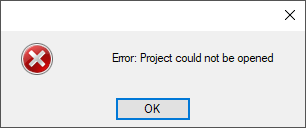
This was preceded by the unexpected closing of the program while the building was open.
Solution
It may be that the latest version of the building is corrupted. Try to open the previous version.
-
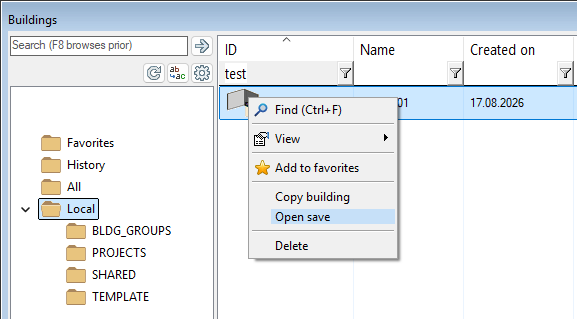
Select File > Open building. The building browser opens.
-
Click the building row in the right-hand browser pane.
-
Right-click and select Open save.
-
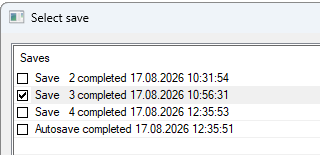
Select the save in a dialog box.
With Vertex BD 2023 (29.0) and older versions:
-
Select File > Open Project.
-
Select the project from the list.
-
Clear the check box Open latest revision of project.

-
Click OK.
-
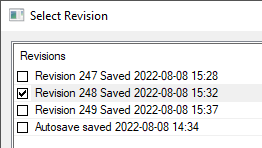
Select the version you want to open from the revision list.
Please note:
A building created with a trial version cannot be opened with a licensed program version. If you try to open a building created with a trial version with a licensed version, you will first receive the following error messge:
This building was created using a non-commercial version of Vertex BD and cannot be opened.
Keywords: project, open, revision, version