Problem
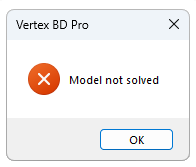
When I open my building or try to save it, I receive the following error message: Model not solved
Solution
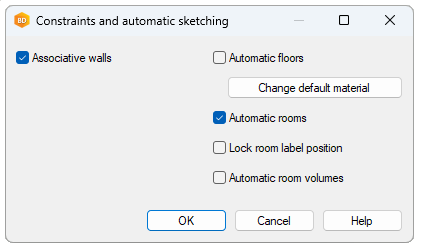
This message appears when there are too many constraints on the model. When you are designing a parametric building, the Associative walls setting is enabled by default. When the setting is enabled, you can add geometric constraints between walls. Some constraints are added automatically when you add walls, for example corner joints and coincidence constraints between walls. At some point, an extra constraint was added, causing the model to be over constrained.
To check what kind of constraints the walls have, do the following:
-
Select one or more walls.
-
Select Constraints from the right-click menu.
The constraints connected to the walls are displayed in the “Constraints of object” dialog box. Unsolved constraints are shown in red. Usually, the error message is caused by a Coincident constraint. You can select the red constraint, and click Delete.
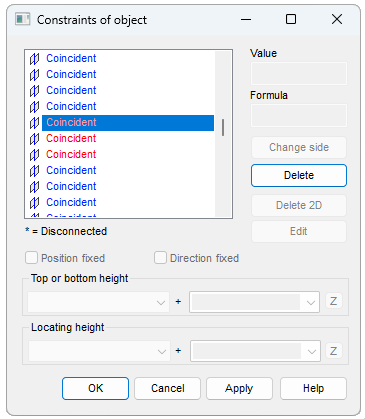
Delete the red constraints and confirm by clicking OK.
It is possible to turn off the Associative walls setting, but then you will not be able to design a parametric building with geometric constraints between the walls. You can disable the setting as follows:
-
Open the building's document browser.
-
Open Settings > Design settings.
-
Double-click Constraints and sketching.